
Features
Everything you need to watch your IPTV playlist on Android TV
Available on Android TV and Google TV today. Everything here is free except features marked Premium, which will be part of a subscription that isn't on sale yet.
Noctune is a player only. It doesn't include channels, movies, series or an IPTV subscription. You need a playlist from your own provider.
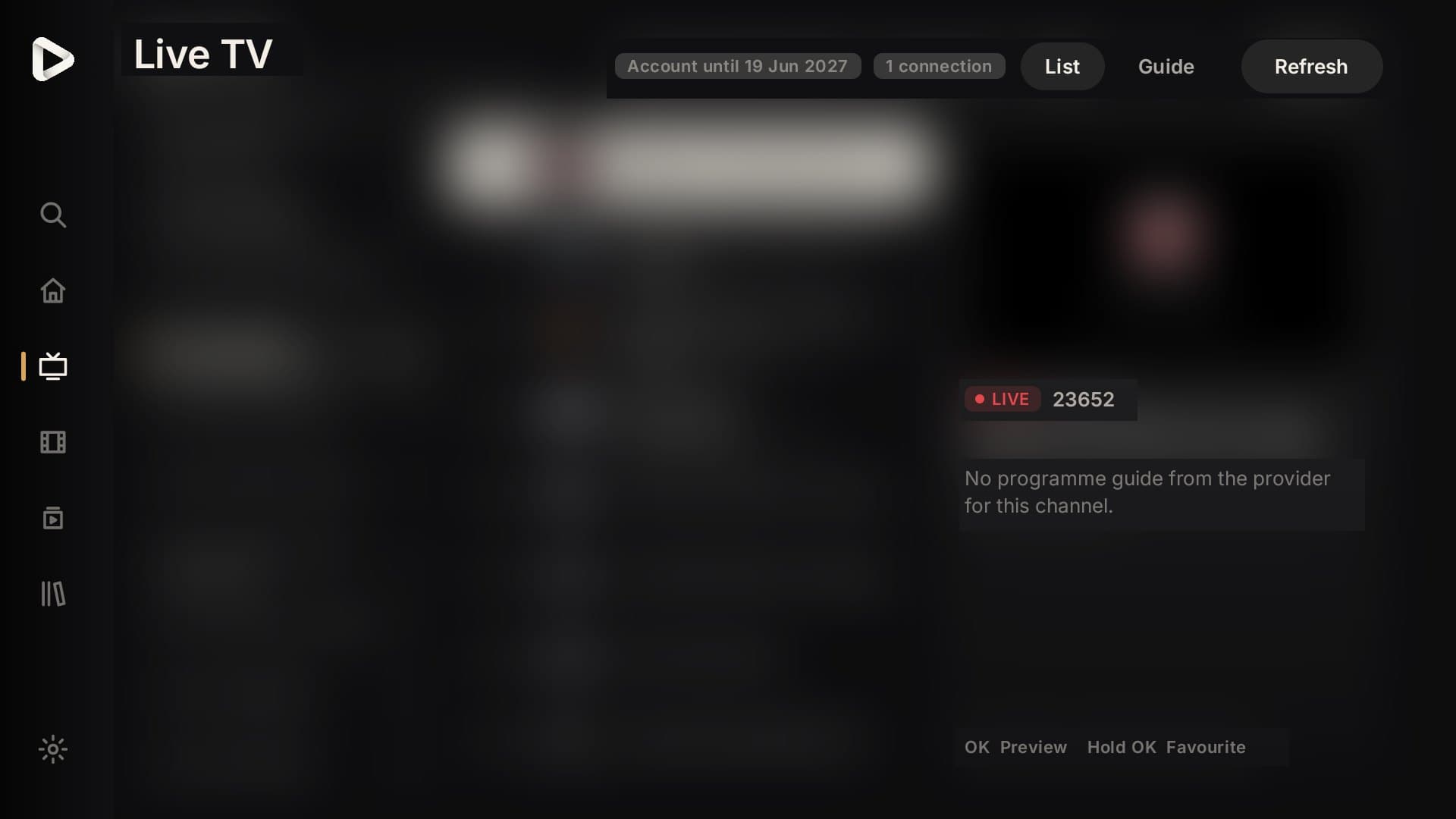
Live TV
- Categories, channels and preview
- Browse your provider's groups, preview a channel before going full screen, and keep favourites and recent channels close.
- Mini-guide while you watch
- Press left during live playback to see what's on now and next, and tune without stopping the picture.
- TV guide
- A programme grid from your provider's EPG data, with a 'now' line. Channels without guide data are clearly marked.
- Automatic recovery
- Dropped streams reconnect with backoff. Provider limits, outages and unsupported audio are explained instead of a generic error.
Movies and TV shows
- Discover and categories
- Rows and grids for your provider's movie and series categories, with posters and details where the provider supplies them.
- Seasons and episodes
- Season tabs, episode lists with progress, and an optional next-episode countdown you can cancel.
- Continue Watching
- Resume where you left off. Progress survives restarts.
- My List and watched state
- Save titles for later and mark them watched or unwatched.
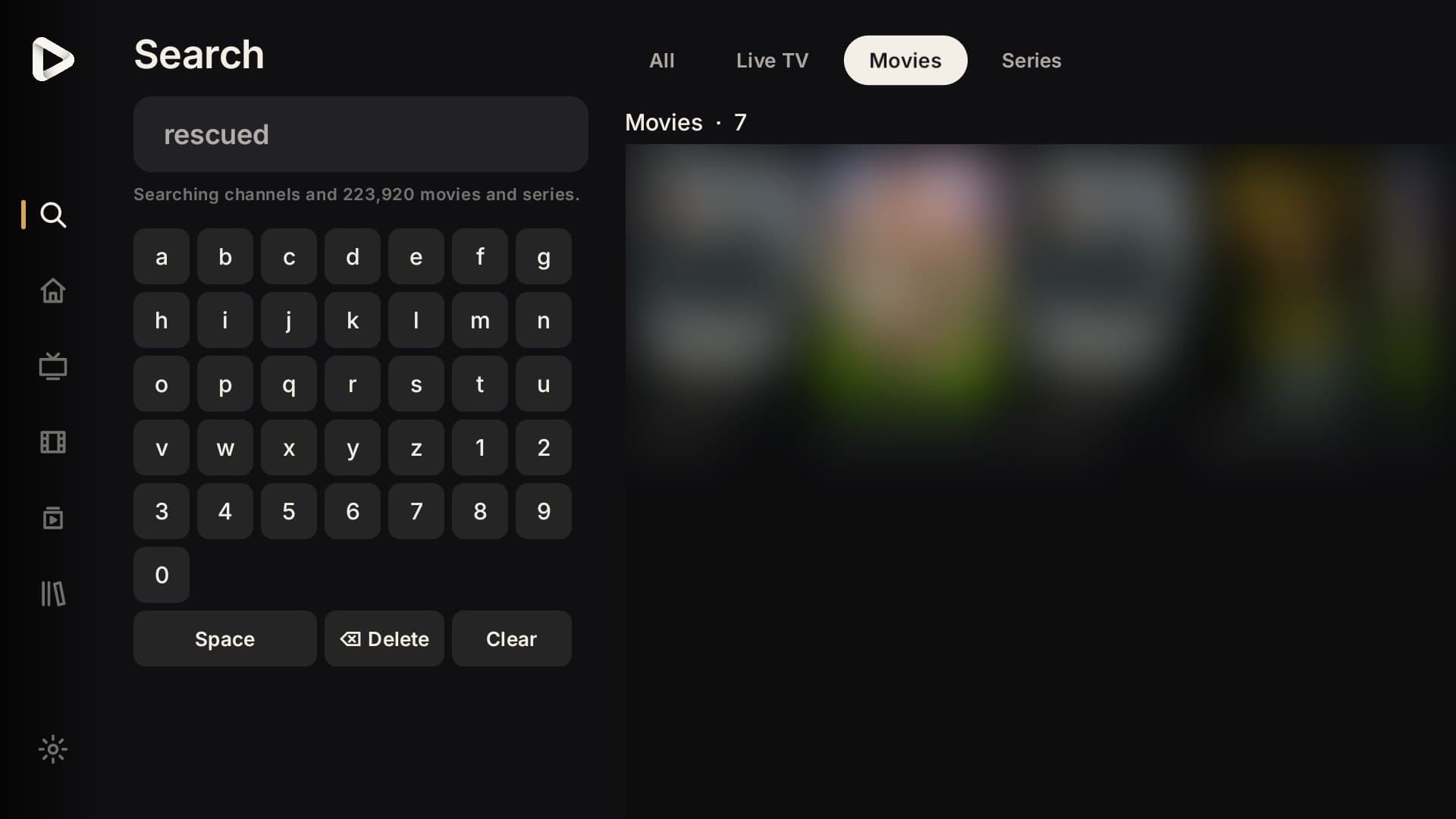
Search
- One search for everything
- Results grouped into Live TV, Movies and Series, ranked exact match first.
- Forgiving matching
- Ignores case, accents, extra spaces and provider prefixes like 'EN|'.
- Before you type
- Recent searches, recently viewed titles and shortcuts into categories.
Playback
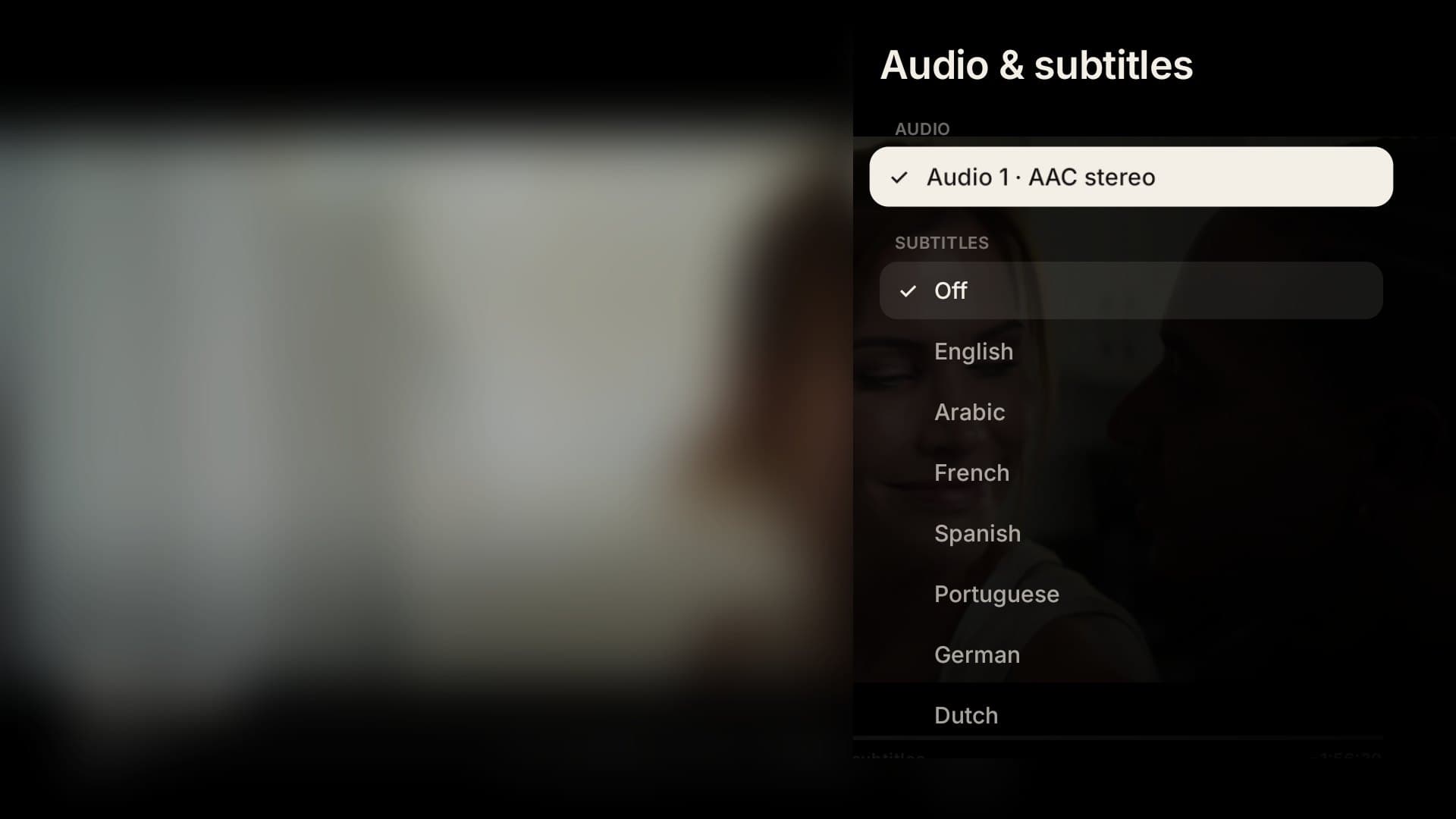
- Audio and subtitle selection
- Choose tracks during playback. Preferred languages are remembered.
- Buffering profiles
- Pick stability or faster channel changes to suit your connection.
- MPEG-TS or HLS
- Use the stream format your provider handles best.
- Diagnostics overlay
- See codec, buffer and connection details when something isn't right.
Personal and household
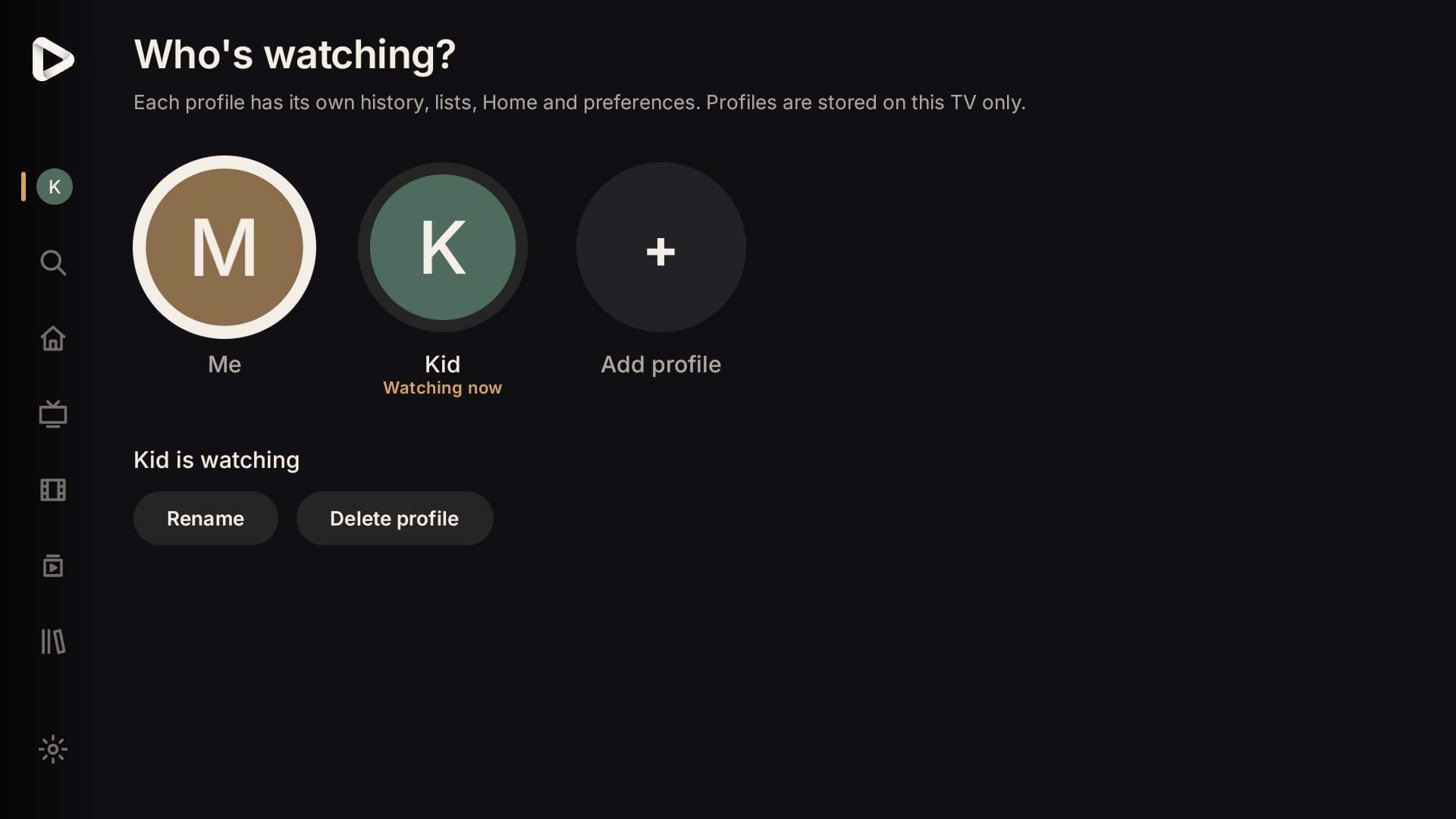
- ProfilesPremium
- Separate history, lists, favourites, Home layout and preferences per person.
- Customise HomePremium
- Show, hide and reorder Home rows, and pin the categories you watch most.
- Hidden categoriesPremium
- Hide Live TV, Movies and TV Shows categories you never use.
- Multiple playlistsPremium
- Add more than one Xtream Codes playlist and filter by playlist when you need to.
- Your Evening
- Simple suggestions from your own viewing on this TV, each with its reason. Nothing leaves the device, and you can turn it off.
Organise large playlists
- Organise in bulk
- Select channels by search or category, then hide, show or favourite them in one go. Undo reverses the last change, and nothing is ever deleted.
- Check channels
- Ask Noctune to test selected channels one at a time and see which were playable, unavailable or inconclusive when checked. It never runs in the background and pauses while you watch on a one-connection account.
- Channel versions
- Noctune suggests SD, HD and FHD copies of the same channel. Nothing is grouped until you confirm, and you can switch versions from the player.
- Hide categories in bulkPremium
- Hide whole categories from the same screen.
Sports and personal channels
- Sports from your guide
- Finds matches listed in your provider's programme guide for the next 24 hours and shows which of your channels list them. No outside data or stream links.
- Personal channels
- Turn movies from My List into a channel that plays them back to back, resumes where you stopped and skips titles that won't play.
Safety and control
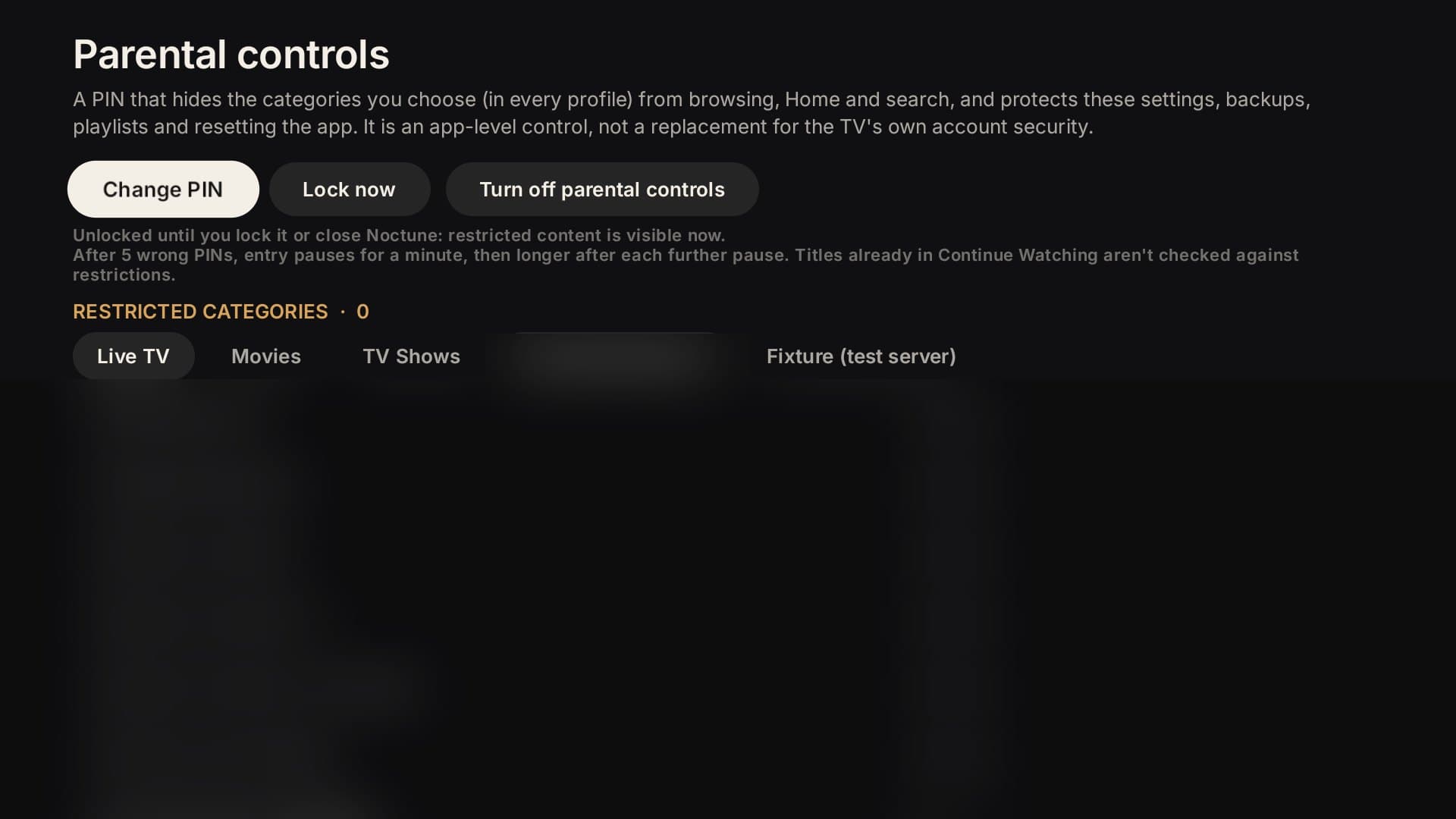
- Parental controls
- A PIN that hides chosen categories across every profile and protects settings and playlists.
- Backup and restore
- Save profiles, lists, progress and settings to a file. Logins and the PIN are never included.
- Encrypted logins
- Playlist credentials are encrypted with the TV's keystore and removed from logs.
Planned
Coming later, not available yet.
We list these so you know where Noctune is going. They're not part of Free or Premium today, and we'll only sell them once they work.
- M3U playlistsPlanned
- Catch-up playbackPlanned
- LG webOS appPlanned
Bring your playlist. Noctune does the rest.
Free on Android TV, with no time limit.